Download
$ixty Thou$and — free trial
The trial is the full plug-in with every feature. Until you license it, it plays a short click every few seconds. Buy a license when you're sure — the same download unlocks, nothing to reinstall. No account needed.
VST3 · Windows 10 / 11, 64-bit · installer 3.3 MB
Your browser or Windows shows a warning? That's expected for now — here's why and how to continue.
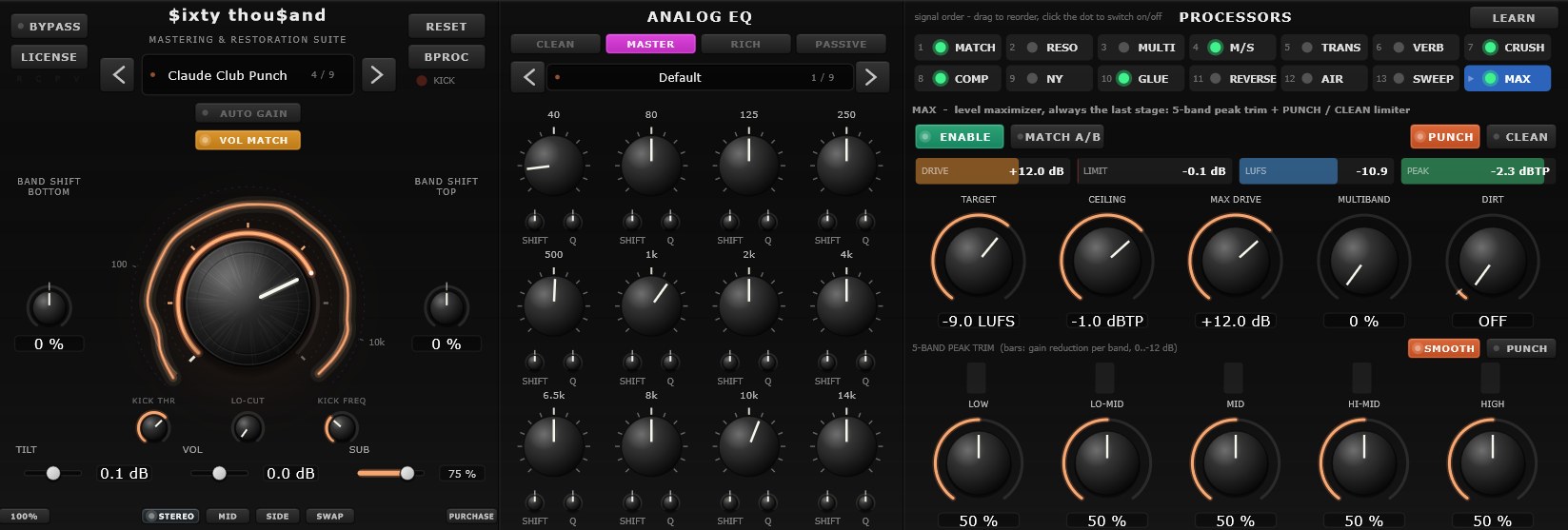
Installation
About a minute.
- Run the installer (
.msi) and click through it. It puts the plug-in straight intoC:\Program Files\Common Files\VST3, where your DAW looks. - Rescan plug-ins in your DAW (most do it automatically on start) and load the plug-in on a track, bus or your master.
Prefer to install by hand? Take the ZIP instead: unzip it and copy the SixtyThousand.vst3 folder to C:\Program Files\Common Files\VST3 yourself. Uninstall an installer version any time from Windows Settings → Apps.
Bought a license? Click LICENSE in the plug-in and enter the email and code from your purchase email. See Support & Guides for more.
Requirements
What you need
Windows 10 / 11, 64-bit
macOS versions are not available yet.
A VST3 host
Any DAW that loads 64-bit VST3 plug-ins — Cubase, Studio One, REAPER, Ableton Live, FL Studio, Bitwig and others.
No internet needed
Licenses are checked offline. Nothing phones home.
Security warnings
“Uncommon download” or “Windows protected your PC”?
$ixty Thou$and comes from a small independent developer and is not code-signed yet. Chrome, Edge and Windows warn about every new file that only a few people have downloaded so far — the warning means the file is unknown to them, not that anything harmful was found in it. Download it only from this site; to be sure, compare the SHA-256 checksums below or check the file at virustotal.com.
Chrome / Edge blocks the download
- Open the downloads panel (the download icon at the top right of the browser, or Ctrl + J).
- Find the blocked file and choose Keep or Download suspicious file — the wording depends on the browser version. In Edge: ··· → Keep → Show more → Keep anyway.
“Windows protected your PC”
- On the blue window that appears when you start the installer, click More info (under the text).
- A Run anyway button appears — click it and the installer starts as usual.
Using the ZIP
- Before unzipping, right-click the ZIP → Properties, tick Unblock at the bottom and click OK.
- Unzip and copy the
SixtyThousand.vst3folder toC:\Program Files\Common Files\VST3as described above.
SHA-256 checksums of the current files (to check in Windows: certutil -hashfile <file> SHA256):